— Article
Public Safety Drone Pre-Flight Checklist: 3-Phase Guide
Public safety drone operations don’t leave room for shortcuts. When a call comes in, whether it’s a missing person, a structure fire, or an active incident, the pressure to get airborne fast is real. But launching without a disciplined pre-flight process is how agencies lose aircraft, miss critical intelligence, or worse, create a secondary incident that pulls resources away from the primary mission.
A thorough pre-flight checklist is not bureaucracy. It is the last line of defense between your team and a preventable failure. FAA regulations under 14 CFR Section 107.49 require remote pilots in command to complete a preflight inspection before every flight. Advisory Circular 107-2 goes further, recommending a structured assessment that covers the aircraft, the environment, and the operational context. But for public safety teams, the regulatory minimum is just the starting point. The operational stakes demand more. (For the broader regulatory picture, see our 2026 FAA compliance guide for UAS software.)
Here is how experienced public safety drone teams approach pre-flight, broken into three phases: what you do before you leave the station, what you do on scene before launch, and what you verify in the final sixty seconds before the aircraft goes up.
Phase 1: Before You Leave the Station
Most pre-flight failures trace back to something that should have been caught before the team ever loaded the truck. This phase is about readiness, making sure the equipment and the crew are prepared to deploy at any time.
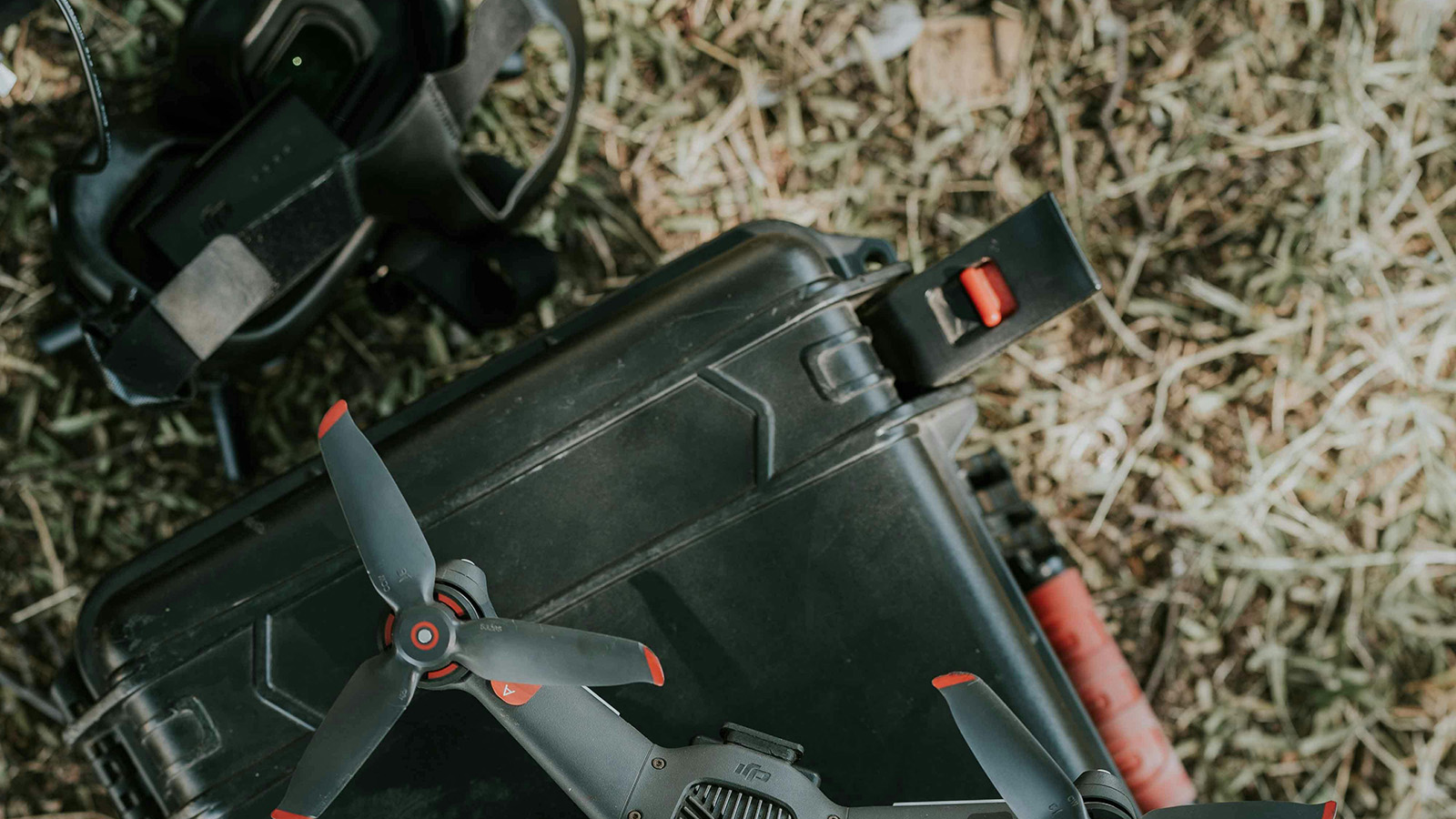
Start with the aircraft. Inspect the airframe for cracks, loose screws, and any signs of stress from previous flights. Check every propeller for nicks, chips, and hairline fractures. A damaged prop may fly fine for five minutes and then shed a blade at the worst possible moment. If a prop looks questionable, replace it. Spares are cheap. A crashed aircraft during an active SAR operation is not.
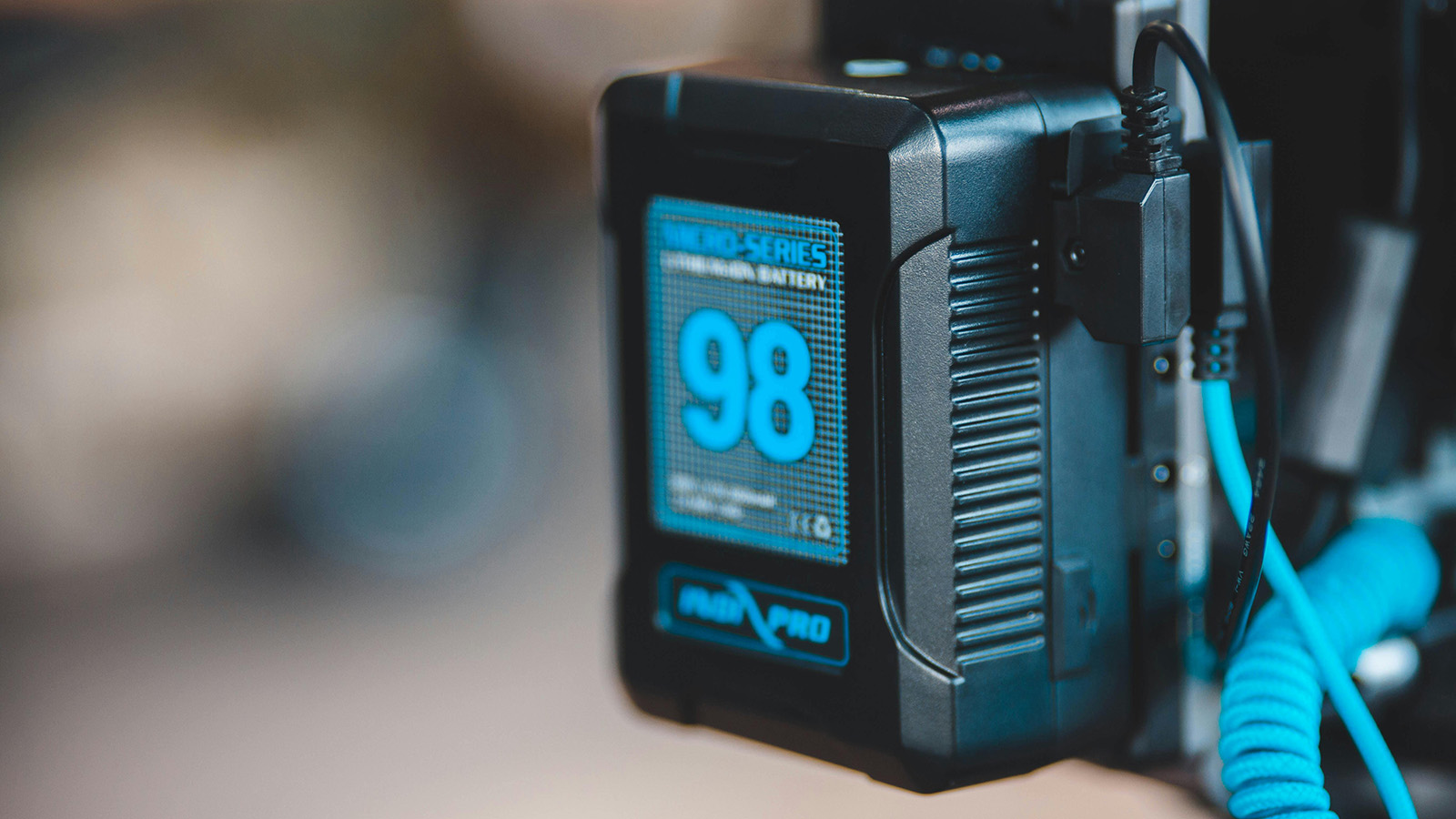
Batteries should be charged to their manufacturer-recommended storage or deployment level, typically between 80% and 100% depending on how soon you expect to fly. Check each battery for swelling, unusual warmth, or damage to the casing. Confirm that you have enough charged batteries for the expected mission duration plus a reserve. A good rule of thumb for field deployments is to carry at least twice the battery capacity you think you will need.
Verify that firmware on the aircraft, controller, and any companion apps is current and that no updates are pending that could trigger mid-field. There is nothing worse than arriving on scene and having the controller demand a mandatory update before it will connect. If your agency runs a specific firmware version for stability, make sure no one has inadvertently changed it.
Confirm your Remote Pilot Certificate is current and accessible. Check that the aircraft’s FAA registration is valid and the registration number is visible on the airframe. If your agency operates under a Certificate of Authorization rather than Part 107, verify that your COA covers the type of operation you are deploying for and that any geographic or altitude restrictions are understood by the entire crew.
Finally, check your go-bag. SD cards formatted and with adequate storage. Spare propellers. USB cables. A charged tablet or phone with your flight app installed. A portable battery bank for the controller. A high-visibility vest. Depending on your agency’s SOP, this may also include a paper log sheet, a wind meter, and a printed airspace chart for the area of operations.
Phase 2: On Scene Before Launch
You have arrived. The incident commander is asking for eyes in the air. This is where discipline matters most, because the pressure to skip steps and launch immediately is at its peak. (A tight, repeatable scene briefing is the other half of this phase. See our drone mission briefing checklist for SAR teams for a structured format.)
Start with the environment. Assess the weather on the ground: wind speed and direction, visibility, precipitation, and cloud ceiling. Apps like UAV Forecast or the Aviation Weather Center are useful for planning, but conditions on the ground at the incident site are what matter. If you are in a canyon, near a structure fire, or beside a body of water, the microclimate at your location may be radically different from the nearest airport weather report. Carry a handheld anemometer and use it.
Evaluate the launch and recovery area. You need a flat, clear space away from overhead obstructions such as power lines, trees, and antennas. Identify a secondary landing zone in case the primary becomes unusable during the mission. In public safety operations, scenes change fast. A landing area that was clear when you set up may have emergency vehicles parked on it ten minutes later.
Check airspace. Verify whether you are in controlled airspace and whether LAANC authorization or an emergency COA is required. Look up active NOTAMs and TFRs for the area. If manned aircraft, helicopters especially, are operating in the area, coordinate with air operations before launching. Airspace deconfliction is not optional, and a midair conflict with a medevac helicopter is an outcome no checklist can undo.
Brief your crew. Every person involved in the operation needs to know the mission objective, the planned flight area, altitude limits, the communications plan, and the abort criteria. If you are working with a visual observer, confirm their position and agree on how they will communicate hazards. If the incident commander is not familiar with drone operations, take thirty seconds to explain what the aircraft will and will not do and where the restricted area around the launch site is.
Phase 3: Final Sixty Seconds Before Launch
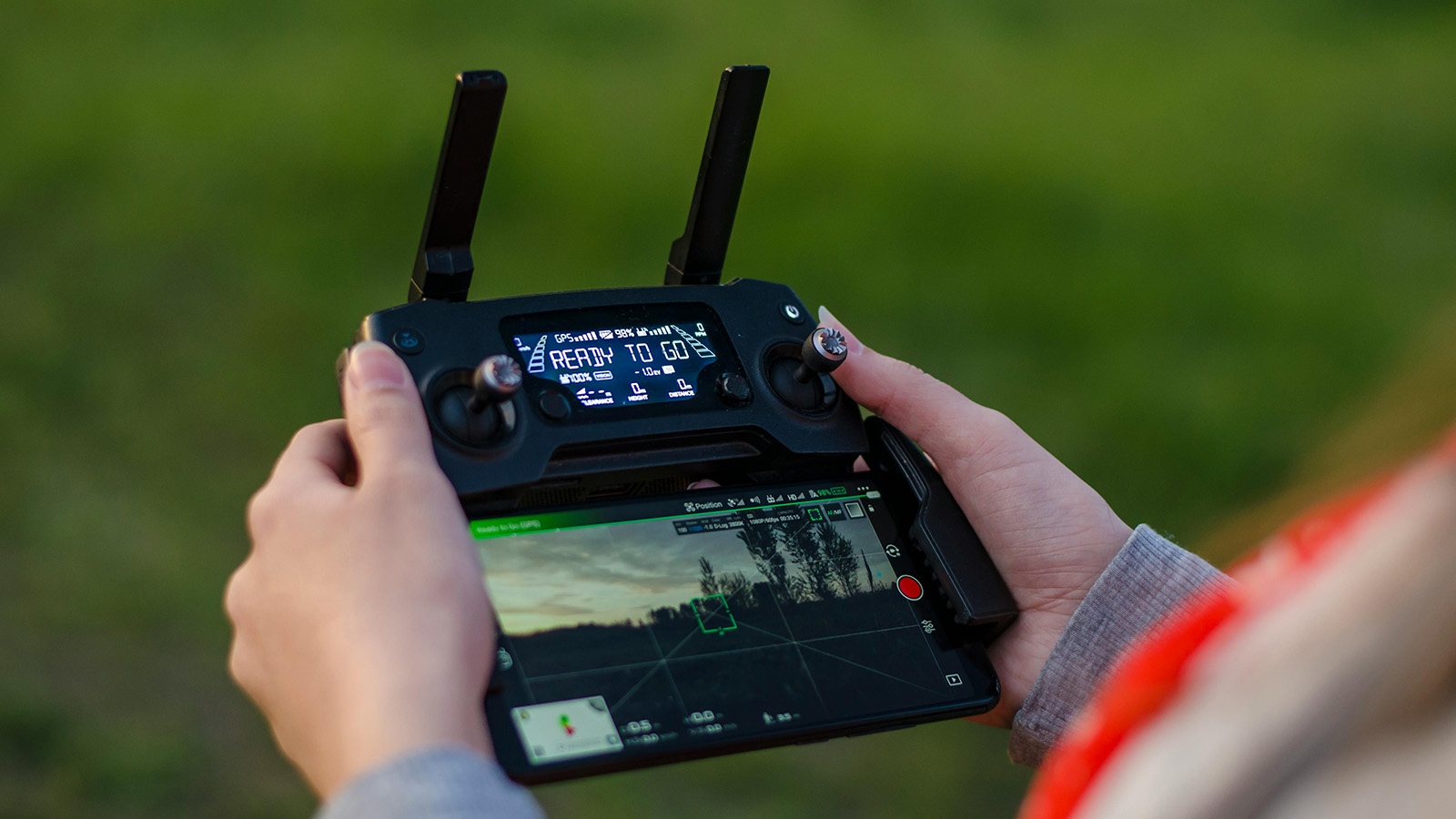
Power on the controller first, then the aircraft. This sequence ensures the control link is established before the motors have any chance of spinning. Wait for GPS lock. Most modern aircraft need a minimum of 10 to 12 satellites for stable positioning. Do not launch with a weak GPS fix. In public safety operations, a flyaway is not just an equipment loss; it is a potential hazard falling out of the sky over an active incident scene.
Verify the home point is set correctly. If you are launching from a location you may need to move away from, consider whether return-to-home will bring the aircraft back to a point that is no longer safe.
Check the camera and payload. Confirm the correct camera mode (thermal, visual, or zoom) is selected and that the gimbal is responding. If you are recording, verify that the SD card is inserted and has space. A flight that produces no footage is a wasted sortie. (For a deeper look at sensor selection by mission type, see our drone payload types guide.)
Run a control surface check. Move the sticks and confirm the aircraft responds correctly on all axes. Check that the fail-safe is configured to your agency’s SOP, whether that’s return-to-home, hover in place, or land in place, depending on the operational context.
Hover at three to five feet for ten to fifteen seconds. Listen for unusual sounds such as grinding, vibration, or asymmetric motor noise. Watch for drift that suggests a compass or IMU issue. If anything feels wrong, land immediately and troubleshoot. The cost of a two-minute delay is always less than the cost of a failure at altitude.
Once the hover check is clean, you are clear to climb and begin the mission.
Make It a Habit, Not a Hurdle
The best public safety drone programs treat their pre-flight checklist the same way aviation treats theirs: a non-negotiable ritual that happens every single time, regardless of urgency, experience level, or how routine the flight seems. The checklist does not slow you down. It keeps you in the air when it matters most. (If you’re standing up a program from scratch, our guide on how to build a drone SAR program from the ground up covers the surrounding policy and training scaffolding.)
Print it. Laminate it. Strap it to your flight case. And run every item, every time.
— Related
Keep reading
Written by
TacLink C2 Team
TacLink C2 Team builds a modern desktop ground control station for independent and commercial drone pilots. Writing here covers mission planning, multi-drone operations, airspace, and the software that keeps serious UAS programs running.