— Article
Drone Lost Link Procedures & Fail-Safe Configuration
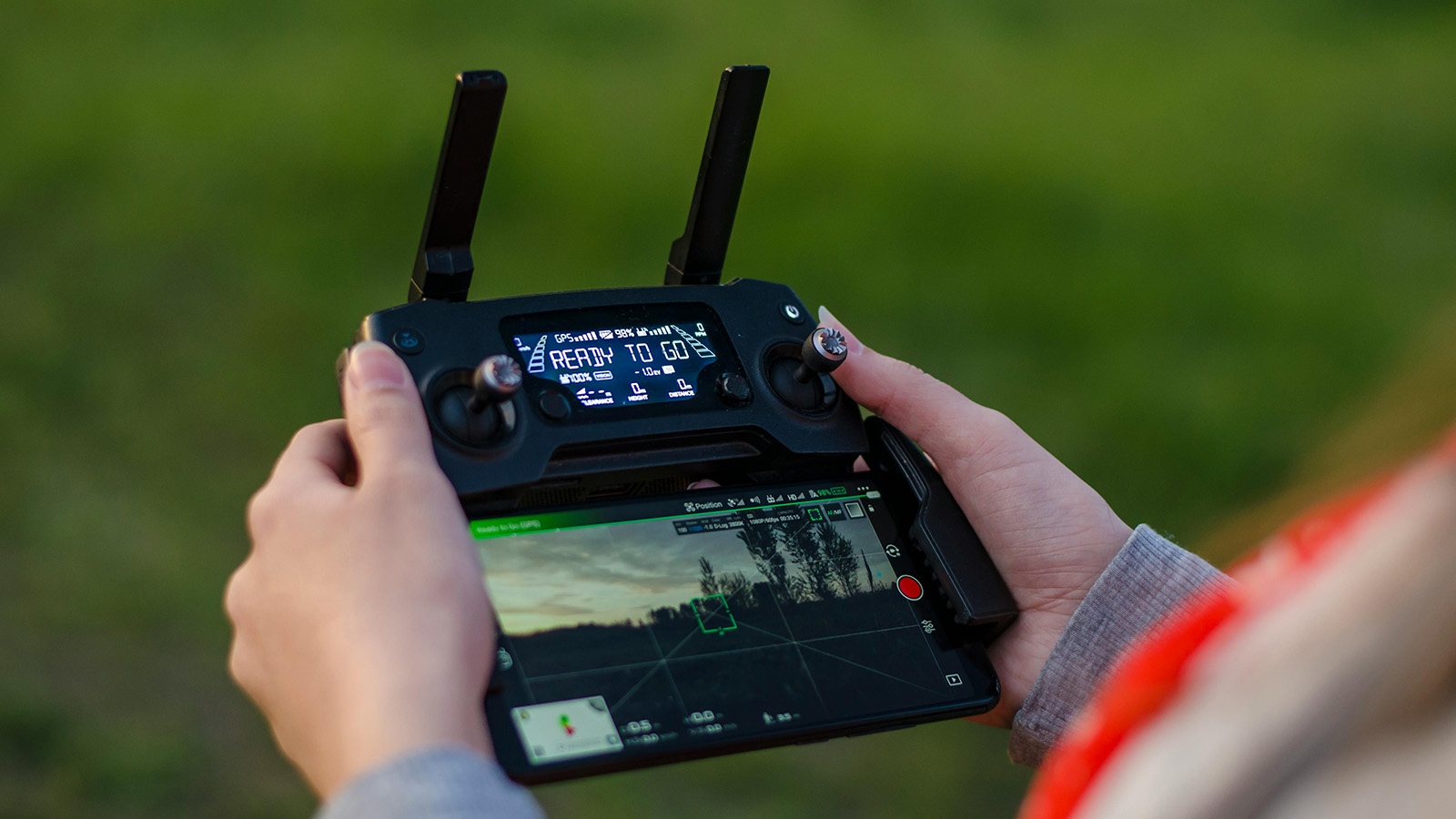
Every drone pilot will lose their control link at some point. It is not a question of if. It is a question of when, where, and whether your team is prepared for it when it happens. In public safety operations, the consequences of an unprepared lost link event go beyond losing an aircraft. A drone that executes an unpredictable flight path over an active incident scene is a falling hazard, an airspace conflict, and a distraction from the mission all at once.
The FAA defines a lost link as the loss of the command and control connection between the ground station and the aircraft. When that link drops, the pilot can no longer send commands. The aircraft is on its own. What it does next depends entirely on how the fail-safe was configured before takeoff, which means the time to think about lost link procedures is during pre-flight planning, not during the moment of panic when the controller screen goes dark. (Fail-safe verification is one of the items in our public safety drone pre-flight checklist; this article goes deeper on how to configure it.)
Why Links Get Lost
Understanding the common causes of signal loss helps you anticipate and avoid them. Most lost link events fall into a few categories.
Range is the most obvious. Every control system has a maximum transmission distance, and that distance assumes ideal conditions: clear line of sight, no interference, full signal strength. In the real world, buildings, terrain, vegetation, and even the aircraft’s own orientation relative to the controller antenna can reduce effective range well below the published spec. A drone rated for a five-mile control range may lose signal at half a mile in an urban canyon.
Electromagnetic interference is the second major cause. Drones typically operate on the 2.4 GHz or 5.8 GHz frequency bands, the same bands used by Wi-Fi networks, Bluetooth devices, and countless other consumer electronics. In urban environments, dense commercial areas, or anywhere near broadcasting infrastructure, RF congestion can degrade or drop the control link entirely. High-voltage power lines generate electromagnetic fields strong enough to disrupt both control signals and GPS reception. Cell towers, radio transmitters, and even large concentrations of mobile phones at a public event can contribute.
Physical obstructions cause signal attenuation and multipath interference. When the control signal bounces off buildings, metal structures, or terrain before reaching the aircraft, the reflected signals can arrive out of phase with the direct signal and cancel each other out. This is especially common in urban SAR operations and structure fire responses where the aircraft is operating near or between buildings.
GPS degradation compounds the problem. Even if the control link is solid, weak GPS reception caused by urban canyons, dense tree canopy, or proximity to large metal structures means the aircraft cannot accurately determine its own position. If the control link then drops and the fail-safe triggers a return-to-home, the aircraft may not know where “home” actually is.
The Three Fail-Safe Modes
Most modern drone platforms offer three configurable fail-safe behaviors when the control link is lost. Each has trade-offs, and the right choice depends on the operational context.
Return to Home is the most common default. When the link drops, the aircraft climbs to a preset altitude and flies a direct path back to its recorded home point, then lands automatically. RTH is generally the safest option for open-area operations where the return path is clear of obstacles. But it has real limitations. The aircraft flies a straight line. It does not navigate around buildings, towers, or terrain features in its path. If the RTH altitude is set too low, the drone may collide with an obstacle on the way back. If it is set too high, the aircraft may climb into controlled airspace or into stronger winds at altitude that drain the battery before it arrives. And if the home point was not updated after the ground team moved, which happens regularly during dynamic incidents, the drone may return to a location that is no longer safe or accessible.
Hover in Place keeps the aircraft at its current position and altitude when the link drops. This is useful in situations where the return path is uncertain or obstructed, such as when flying between buildings in an urban environment where a straight-line return would be dangerous. Hover gives the pilot time to reposition, troubleshoot the link, or move to a location with better signal. The downside is battery. A hovering drone is consuming power with no progress toward recovery. If the link is not reestablished before the battery reaches a critical level, most aircraft will then trigger a secondary fail-safe, usually an automatic descent and landing wherever they happen to be, which may not be a safe location.
Land in Place commands the aircraft to descend and land at its current position immediately. This is the most conservative option and eliminates the risk of an uncontrolled flight path. It is appropriate for operations over areas where any autonomous flight is unacceptable, such as directly above an active incident scene where even a brief RTH flight could create a hazard. The trade-off is that you will almost certainly need to recover the aircraft from wherever it lands, which may be a rooftop, a roadway, or the middle of a search area.
No single mode is correct for all situations. The right fail-safe depends on the mission. The critical point is that this decision must be made deliberately during pre-flight, not left on whatever default the manufacturer shipped.
Configuring Fail-Safes for Public Safety Operations
Before every flight, verify and set three parameters: the fail-safe mode, the home point, and the RTH altitude.
Set the fail-safe mode based on the operational environment. For open-area SAR in rural terrain with clear airspace, RTH is usually appropriate. For urban operations or flights near structures, hover in place gives more options. For flights directly over an active scene with personnel on the ground, land in place may be the safest choice. Brief the entire crew on which mode is set so everyone knows what the aircraft will do if the link drops.
Set the home point deliberately. Most aircraft automatically record the GPS coordinates at power-on as the home point. If you power on the drone at the staging area and then carry it 200 meters to the launch point, the home point is wrong. Update it at the actual launch location. If the ground team is going to relocate during the mission, which is common in SAR operations where the command post shifts, either update the home point mid-mission or switch to hover-in-place so the aircraft does not return to a vacated location. (For the coordination challenges around shifting command posts during multi-team operations, see our guide to managing multi-team drone operations in large-scale SAR.)
Set the RTH altitude above the tallest obstacle in the operational area. Survey the environment before flight and identify the highest structure, tree line, or terrain feature. Set the RTH altitude at least 50 feet above that. In areas near controlled airspace, make sure your RTH altitude does not exceed your authorized ceiling. This is a tension that requires deliberate planning. Too low risks collision; too high risks airspace violation or excessive battery consumption during the climb. (Strong winds at altitude are a common reason an RTH climb fails. Our adverse weather operations guide covers how altitude changes wind exposure.)
Building a Lost Link Procedure Into Your SOP
A fail-safe configuration handles what the aircraft does. A lost link procedure handles what the crew does. Both are necessary.
Your SOP should document the expected aircraft behavior for each fail-safe mode so that every crew member (pilot, visual observer, and incident commander) knows what to expect if the link drops. If the aircraft is set to RTH, the visual observer should know the expected return path and altitude so they can maintain visual contact and warn of potential conflicts. If the aircraft is set to hover, the pilot should have a plan for repositioning to reestablish the link: move closer, gain elevation, or eliminate obstructions between the controller antenna and the aircraft.
The SOP should also define the decision tree for post-event action. If the link is reestablished, does the mission continue or does the aircraft return for inspection? Most experienced teams bring the aircraft back after any lost link event to verify that the cause is understood before launching again. A link drop caused by momentary RF congestion is very different from a link drop caused by a damaged antenna or a failing transmitter, and the second one will happen again.
Document your lost link events. Log the location, altitude, duration of signal loss, suspected cause, and the fail-safe behavior that was triggered. Over time, this data reveals patterns: locations where interference is predictable, altitudes where signal degrades, and equipment that is developing reliability issues. The teams that track this data make better pre-flight decisions because they are learning from their own operational history rather than reacting to each event as if it were the first time. (If you’re building these SOPs from scratch, our guide on building a drone SAR program from the ground up covers the broader policy scaffolding.)
Test It Before You Need It
The worst time to discover that your fail-safe is misconfigured is during an active mission. Test your fail-safe settings during training flights in a controlled environment. Fly the aircraft to a moderate distance, power off the controller, and observe the behavior. Does the aircraft do what you expect? Does the RTH altitude clear the obstacles in the area? Does the aircraft return to the correct home point? Does the hover hold position accurately in current wind conditions?
Run this test with every aircraft in your fleet, after every firmware update, and any time the fail-safe settings are changed. It takes five minutes and costs nothing. The alternative, discovering a problem during a real operation, costs everything.
— Related
Keep reading
Written by
TacLink C2 Team
TacLink C2 Team builds a modern desktop ground control station for independent and commercial drone pilots. Writing here covers mission planning, multi-drone operations, airspace, and the software that keeps serious UAS programs running.