— Article
UAS Software Buyer's Guide for Public Safety Agencies
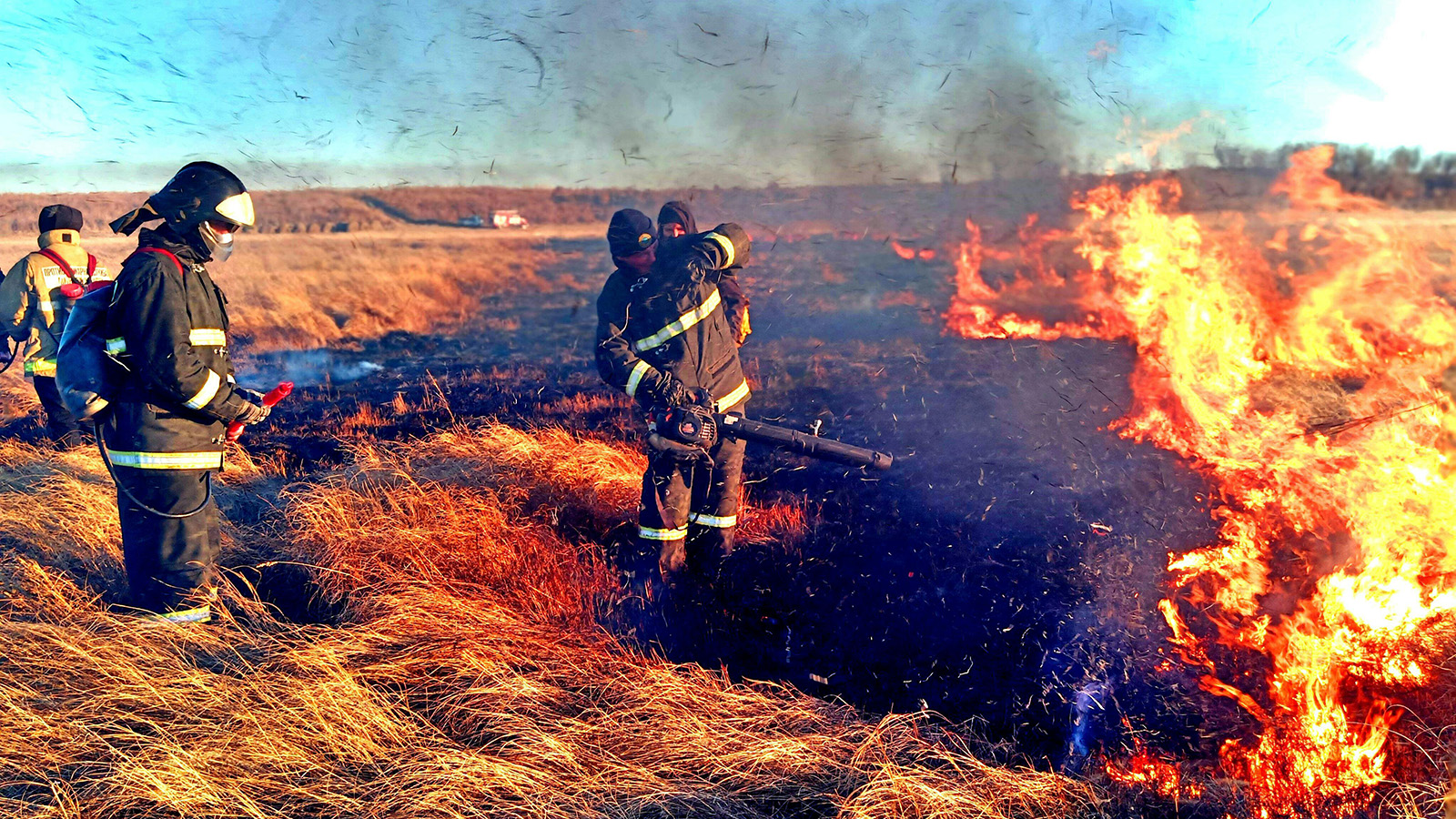
Buying UAS software for a public safety agency is not like buying software for most other contexts. The stakes are different. When the software is running during an active search and rescue operation, a structure fire, or a critical incident response, a coordination failure is not an inconvenience. It is a gap in situational awareness at exactly the moment when that awareness matters most.
That pressure changes how you should evaluate the options in front of you. A feature checklist is not enough. A polished sales demo in a controlled environment is not enough. What you need is a structured process that forces vendors to prove their software works the way it will actually be used, under the conditions your team will actually face.
This guide gives you that process. It covers the seven criteria that matter most for public safety UAS operations, the questions you should ask at every vendor demonstration, and a realistic timeline for getting from initial evaluation to a confident decision.
Why Public Safety Evaluation Is Different
Most software procurement focuses on features, price, and vendor stability. Those factors matter here too, but public safety UAS software carries additional requirements that change the evaluation entirely.
Your team operates in degraded environments. Cellular connectivity is unreliable in wilderness areas, disaster zones, and dense urban incidents where networks get congested. Software that requires a live cloud connection to function is not field-ready software, regardless of how feature-complete it looks in a conference room demo.
Your team operates under legal scrutiny. Every flight conducted in connection with a law enforcement investigation, use-of-force incident, or emergency declaration may become subject to discovery, public records requests, or internal affairs review. If your software does not produce a complete, tamper-resistant operational record automatically, your pilots are either doing manual documentation that pulls their attention away from the mission or they are leaving gaps that create legal exposure.
Your team does not operate in isolation. A drone deployment during an active incident sits inside a larger operational structure involving dispatch, incident command, mutual aid agencies, and sometimes federal partners. Software that cannot share information with those partners through existing CAD and communications infrastructure creates a parallel information environment that the rest of the operation has to manually bridge.
Keep those three factors in mind as you work through the criteria below.
Evaluation Framework
The 7 Criteria for Public Safety UAS Software
Criterion 1: Situational Awareness
The common operating picture is the most important thing a public safety UAS platform provides, and it is the criterion most vendors oversell in their marketing materials.
What you actually need is a live shared map view that every authorized stakeholder can access simultaneously, whether they are a pilot managing an aircraft, a commander at the incident post, or a logistics coordinator tracking asset availability. That map needs to update in near real time, it needs to be legible to non-pilots who have not been trained on GCS interfaces, and it needs to integrate the drone view with the broader incident picture rather than showing aircraft positions in isolation.
Ask vendors specifically about the refresh rate of position data on the shared view, whether the interface is readable on a tablet in daylight conditions at the incident post, and whether non-pilot stakeholders can access the common picture without installing specialized software.
Criterion 2: Communications Integration
Drone data that stays inside the drone software is only partially useful. The information your aircraft generate during an active incident — aircraft positions, video feeds, detection alerts, sector sweep completions — needs to reach the people managing the incident through the tools those people are already using.
For most public safety agencies, that means CAD integration is the highest-value integration to evaluate. A platform that can push aircraft position and status data into an active CAD incident record removes the manual relay step that currently requires a pilot or a dedicated comms person to verbally update dispatch while simultaneously managing an aircraft.
Evaluate CAD integration by asking about specific supported systems, the latency of data updates under real operational load rather than demo conditions, and whether the integration is bidirectional. A system that receives incident location from CAD automatically and positions aircraft accordingly is meaningfully more useful than one that only exports data outbound.
Criterion 3: Audit Trails and Operational Logging
This criterion rarely gets the attention it deserves until an agency needs it, at which point the absence of adequate logging becomes an urgent problem.
What you need is automatic, comprehensive, tamper-resistant logging of every flight: who authorized it, who piloted it, what aircraft was used, what airspace was operated in, what the aircraft’s path was, and what actions were taken within the platform during the operation. That log needs to be exportable in formats that are usable in legal proceedings and compatible with your records management systems.
Ask vendors whether logs are stored locally, in the cloud, or both, and what the data retention policy is. Ask whether individual log entries can be modified after the fact and what the audit trail for those modifications looks like. Ask whether the platform logs user actions within the software, not just flight telemetry, so that questions about who accessed what during a sensitive operation have clear answers.
Criterion 4: FAA Compliance Tools
Regulatory compliance is not optional, and the agencies that treat it as optional eventually face enforcement actions or insurance consequences that are entirely avoidable. A public safety UAS platform should handle the compliance layer as infrastructure rather than requiring operators to maintain parallel documentation systems.
At minimum, look for automatic Remote ID tracking, LAANC authorization integration for supported airspace, and operational logging that satisfies FAA record-keeping requirements. Agencies operating under Part 107 waivers or emergency provision authorizations have additional documentation needs that the platform should accommodate.
The practical test is whether your pilots can complete a compliant flight without doing any manual paperwork beyond what the platform captures automatically. If the answer is no, the compliance burden falls on the humans rather than the software, which means it will eventually have gaps.
Criterion 5: Offline and Degraded-Mode Capability
This is the criterion that most clearly separates tools built for field operations from tools built for office use cases that happen to involve drones.
A public safety UAS platform must function in environments without reliable cellular or internet connectivity. That is not a nice-to-have feature. It is a baseline operational requirement for any agency that deploys in wilderness search and rescue areas, responds to disasters that have degraded communications infrastructure, or operates in venues like stadiums and transit hubs where networks are congested under high-demand conditions.
The question is not whether the platform has an offline mode but what that mode actually includes. Does the common operating picture still update locally? Can pilots be retasked? Are logs still being written? Does the mission planning interface remain functional? Get specific answers to each of those questions, and if possible, test the offline mode under conditions that resemble your actual deployment environments rather than a controlled demo setup.
Criterion 6: Real-Time Telemetry
Telemetry visibility is something most platforms handle adequately at the individual aircraft level, so this criterion is less about presence than about scope and accessibility.
What distinguishes a public safety-grade telemetry implementation is fleet-wide visibility at a glance, with alerts configured for the conditions that matter operationally. Battery levels below the return threshold, link quality degradation, GPS accuracy issues, and payload malfunctions need to surface proactively rather than requiring someone to cycle through individual aircraft views looking for problems.
For multi-aircraft operations specifically, the telemetry dashboard should give a mission commander the ability to assess fleet health in under ten seconds without interacting with individual GCS interfaces. That standard is worth testing explicitly during vendor evaluations.
Criterion 7: Multi-Aircraft Support
As noted in what separates a C2 platform from a GCS, the architecture of multi-aircraft support matters as much as its existence. Platforms that added fleet features on top of a single-aircraft architecture tend to handle the easy cases well and break down in the complex ones.
The test is simultaneous operation under realistic load. If your agency might deploy five aircraft during a large incident, your evaluation should include a scenario with five aircraft operating simultaneously, multiple pilots being retasked mid-mission, and a commander who needs to redirect the overall operation based on incoming information. Run that scenario and watch where the interface creates friction, where information is missing, and where coordination requires voice radio rather than the platform.
Vendor Demo Guide
Questions to Ask at Every Demo
Structuring the Evaluation Process
Having good criteria is necessary but not sufficient. The way you run the evaluation process determines whether you get accurate information or a polished sales story.
The most common mistake public safety agencies make during UAS software evaluations is letting vendors drive the demo agenda. A vendor’s standard demonstration is optimized to showcase strengths and minimize exposure of limitations. Your evaluation should be structured around your mission profiles, not theirs.
Before the first vendor contact, document your three or four most demanding operational scenarios in enough detail that you can walk a vendor through them and ask the software to perform them. A wilderness SAR deployment with connectivity loss mid-mission. A multi-aircraft law enforcement operation requiring documentation for a use-of-force review. A disaster response where mutual aid agencies from two other jurisdictions need read access to your common operating picture.
Those scenarios are where the real differentiation between platforms lives. A demo that covers only clean outdoor flights in good weather conditions will not reveal anything useful about how the platforms differ.
Process Guide
A Realistic Procurement Timeline for Public Safety Agencies
Map stakeholder requirements across pilots, commanders, IT, and compliance
Build a shortlist of 4 to 6 vendors based on published capabilities and peer referrals
Run all vendors through your actual mission scenarios, not their preferred demos
API documentation review, integration testing, offline mode validation
Deploy one vendor with real missions, real pilots, and real operational load
Final stakeholder review, contract negotiation, onboarding plan
The Reference Check Matters More Than You Think
No evaluation process for public safety UAS software is complete without reference conversations with agencies running similar operations on the platform you are considering.
Vendor-provided references are a starting point but not the whole picture. Ask vendors for references from agencies with similar operational profiles to yours, similar scale, similar deployment environments, and similar regulatory situations. Then ask those references specifically about the scenarios you care about: what has broken, what required workarounds, what took longer than expected to get working, and whether they would make the same decision again knowing what they know now.
The answers to those questions will tell you more about fit than any amount of demo time.
Bringing It Together
Evaluating UAS software for public safety is not a procurement exercise. It is an operational risk assessment. The platform you choose becomes part of your operational infrastructure, and its limitations become your program’s limitations.
The seven criteria above give you a framework for consistent evaluation across vendors. The questions in each section give you a way to probe beyond surface-level feature claims. And the procurement timeline gives you a realistic path from initial interest to a confident decision that your team can actually commit to.
For the broader context of what C2 platforms can do, the complete guide to UAS C2 platforms covers the full landscape. When you are ready to build the internal business case, the ROI breakdown for UAS in emergency response gives you the data framework for budget conversations. And for the procurement process that follows, the government drone procurement guide walks through the full acquisition lifecycle.
We’re building TacLink C2 to pass every one of these criteria — offline-first, fleet-wide situational awareness, automated compliance logging, and native CAD integration. If you’re evaluating platforms for a public safety drone program, join the early access waitlist.
— Related
Keep reading
Written by
TacLink C2 Team
TacLink C2 Team builds a modern desktop ground control station for independent and commercial drone pilots. Writing here covers mission planning, multi-drone operations, airspace, and the software that keeps serious UAS programs running.